Labels get vague
"Cables," "winter," or "media" is enough to put a box away, but not enough to retrieve one item fast.
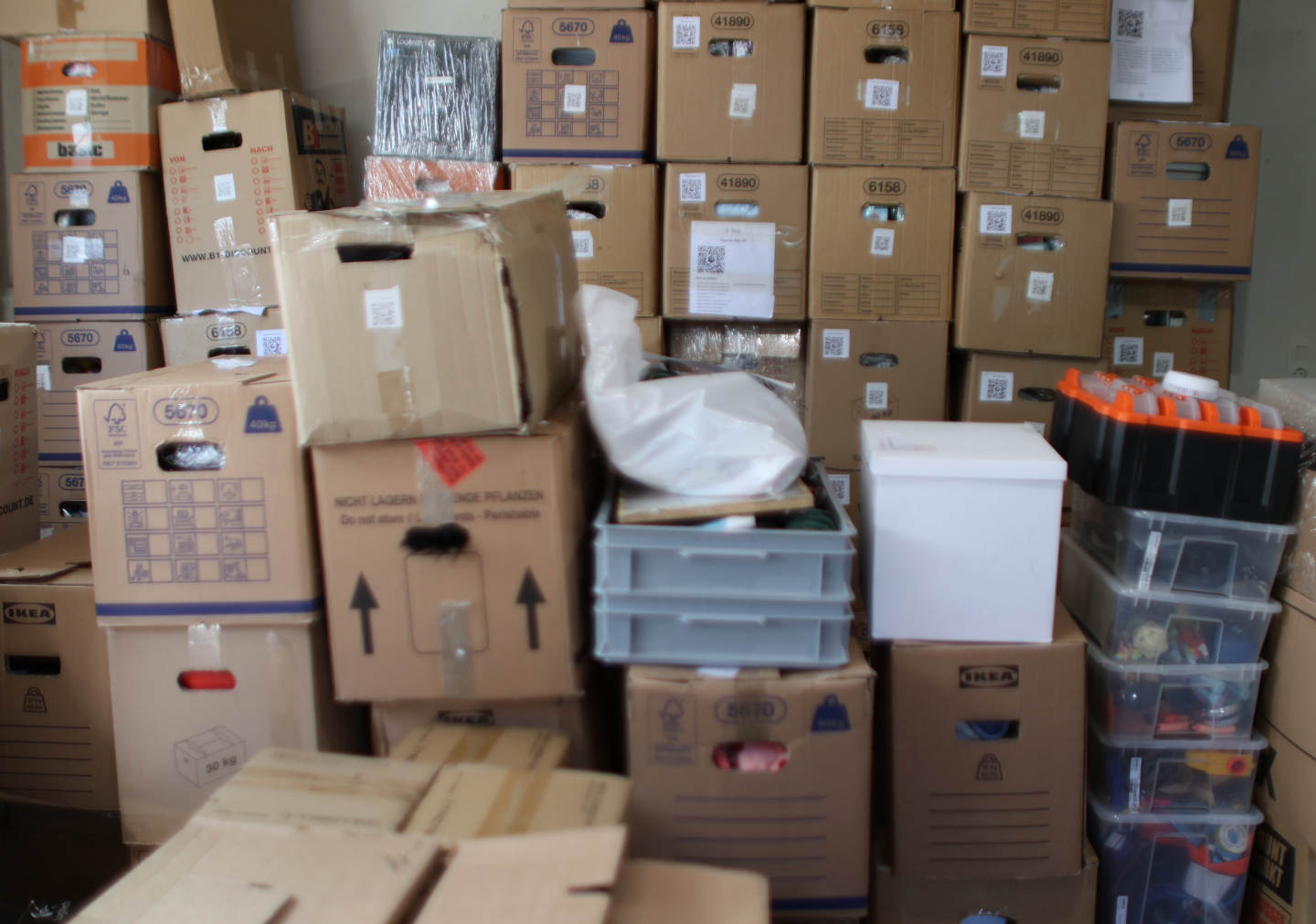
Storage box organization ideas for real basements
You do not need prettier bins. You need a faster way to find one specific thing without pulling half the basement apart.
A basement storage inventory makes that possible. This approach is most useful for closed boxes, stacked bins, and vague labels where the contents are hidden until you start opening things.
Why basement boxes become a problem
Most storage setups stop working the moment you need one specific thing. A marker label helps until the box fills up, the contents change, or the same category ends up spread across several boxes.
"Cables," "winter," or "media" is enough to put a box away, but not enough to retrieve one item fast.
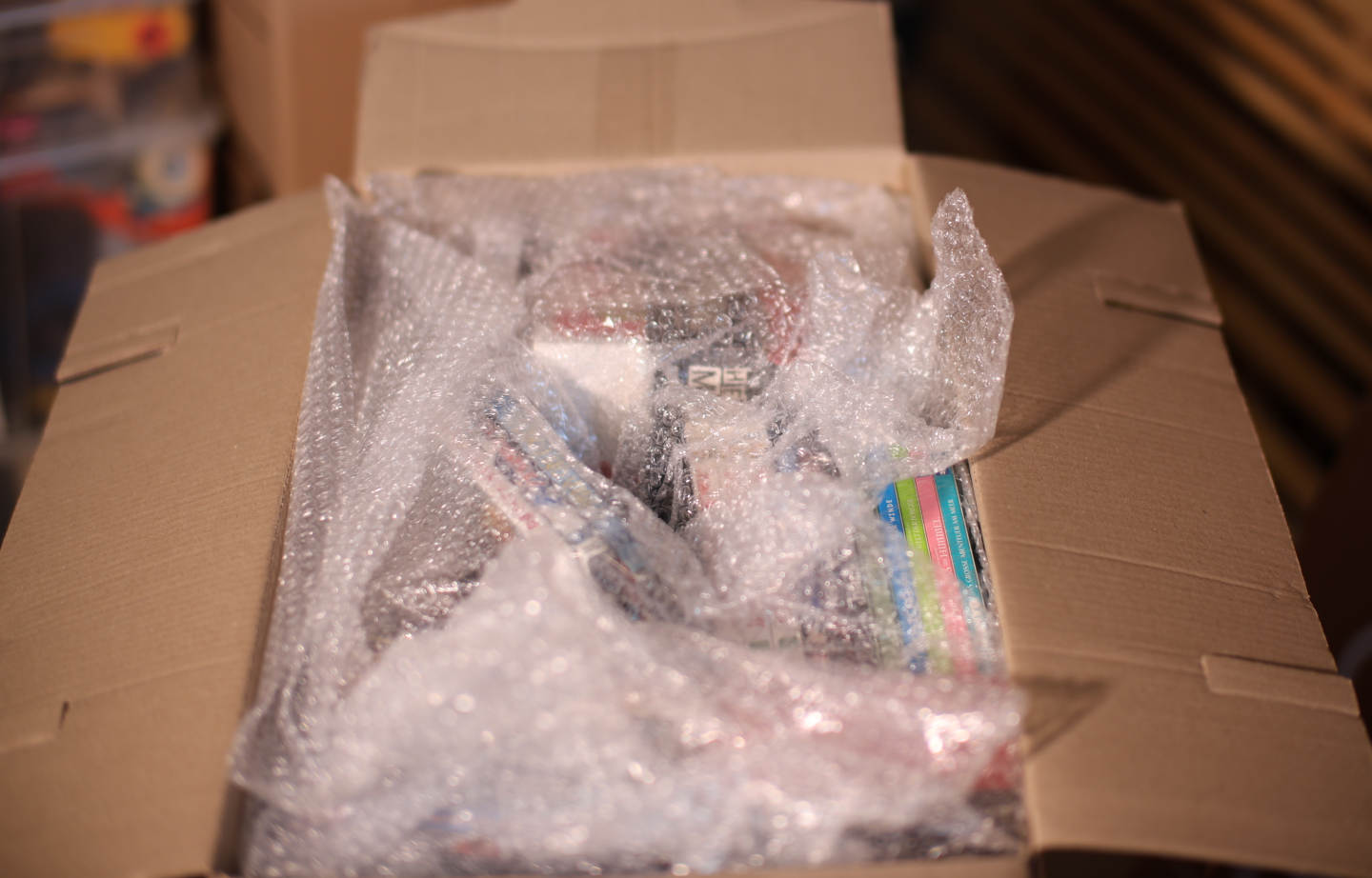
Even after you pull the right box down, there is so much packed in there that you still cannot tell what is what without digging through it.
Basement storage is usually stacked, practical, and imperfect. That is exactly why finding things gets harder over time.
Why labels alone stop helping
A basement box can hold smaller cartons, pouches, manuals, cases, and loose accessories. Once that happens, the outside label stops being an answer and becomes a rough guess.
A handwritten note can say what the box is mostly about. It cannot show what sits inside what, or which pouch holds the exact part you need.
You may remember the box as "console stuff" while the label says "cables." That mismatch slows you down every time.
Contents move. New items get added. Old items leave. A label on cardboard usually updates last, if at all.
The practical fix
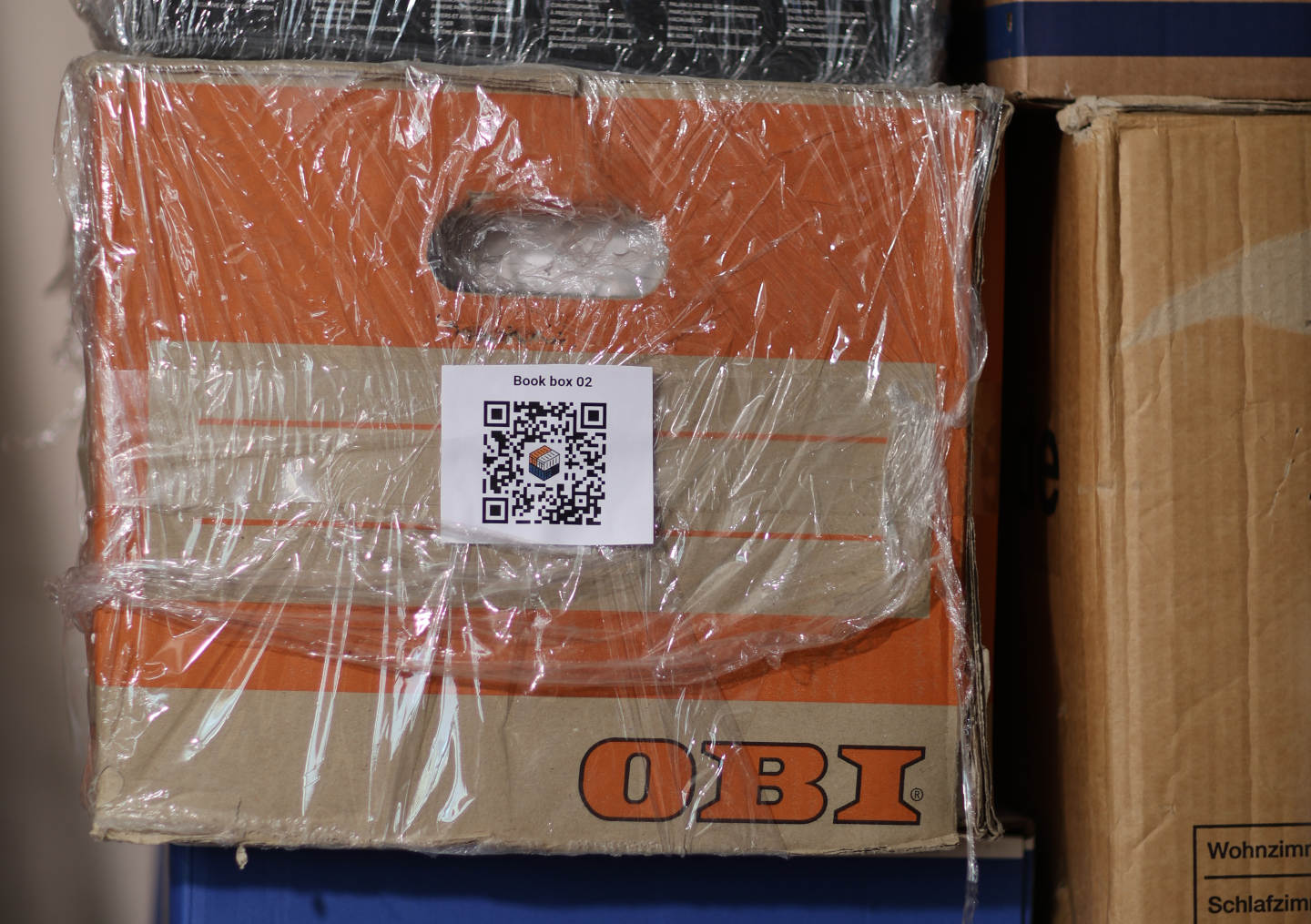
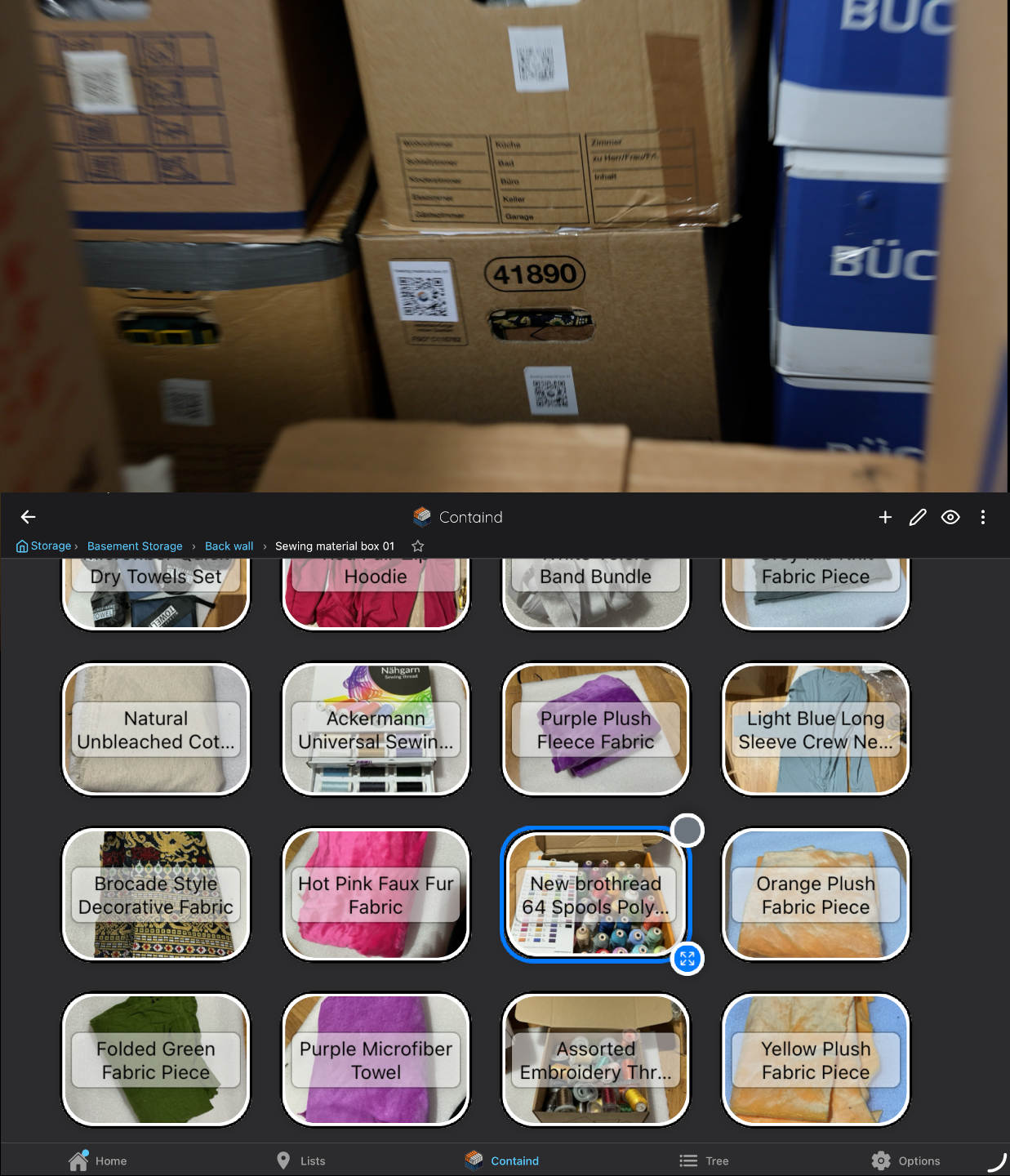
The method is simple: inventory the box once, generate a QR label, and scan that label later to reopen the matching box view in Containd. You do the work once, and it keeps working every time you come back.
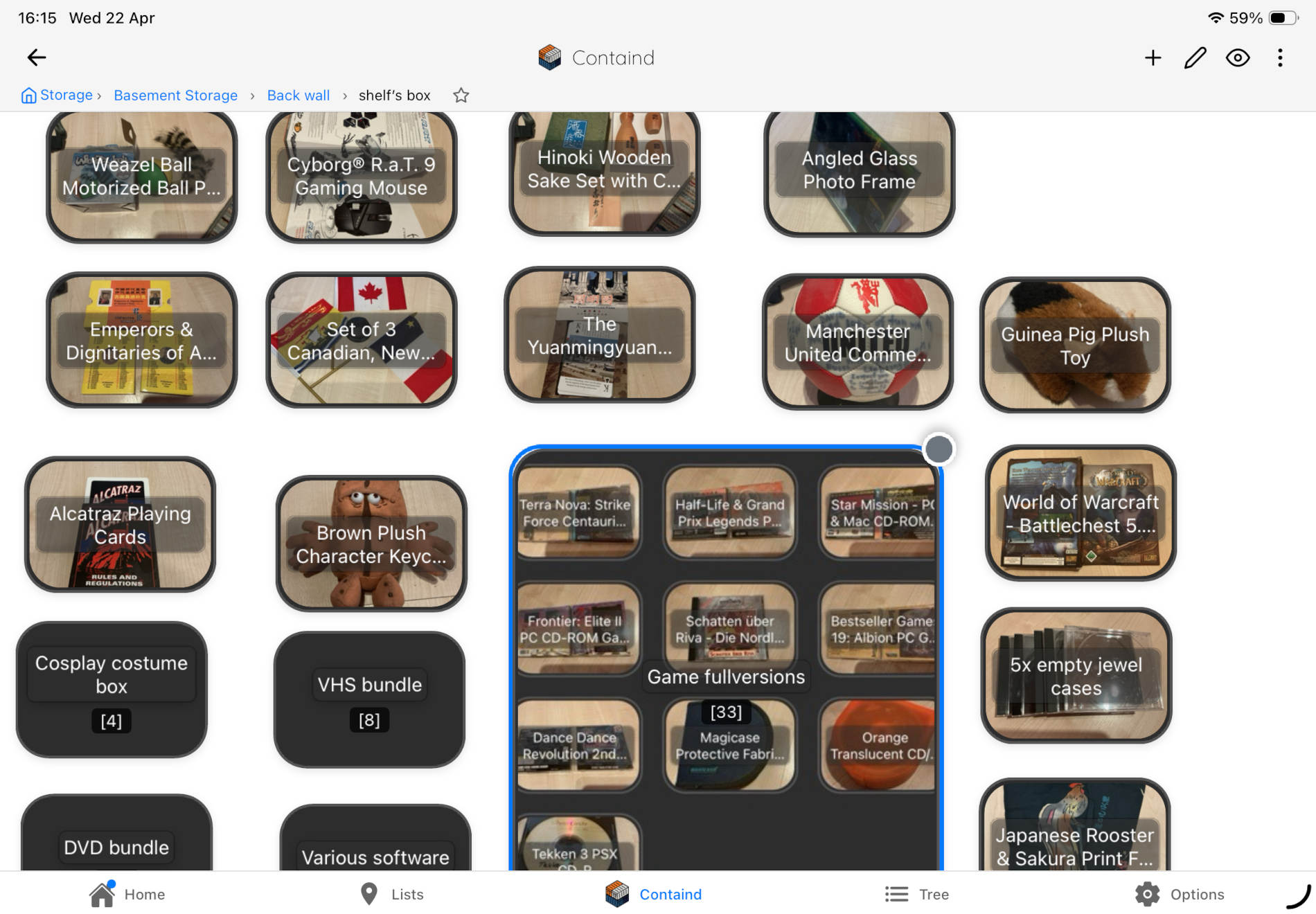
Use photos to build a box record while the contents are already in front of you. You do not need showroom-perfect storage to do it well.
Attach a QR code to the physical box so the cardboard in the basement and the digital view on your phone stay connected.
Scan the label later and go straight back to the box canvas instead of reopening everything around it.
This is the best point to try the app: after the method is clear and before you overthink the whole basement.
Containd is a home inventory app that is free for core offline use on iOS and Android. No subscription is required for basic inventory work.


Best first boxes to test
The first box should be one you search periodically and never enjoy searching. That gives the method an immediate payoff and makes the setup feel worth it.
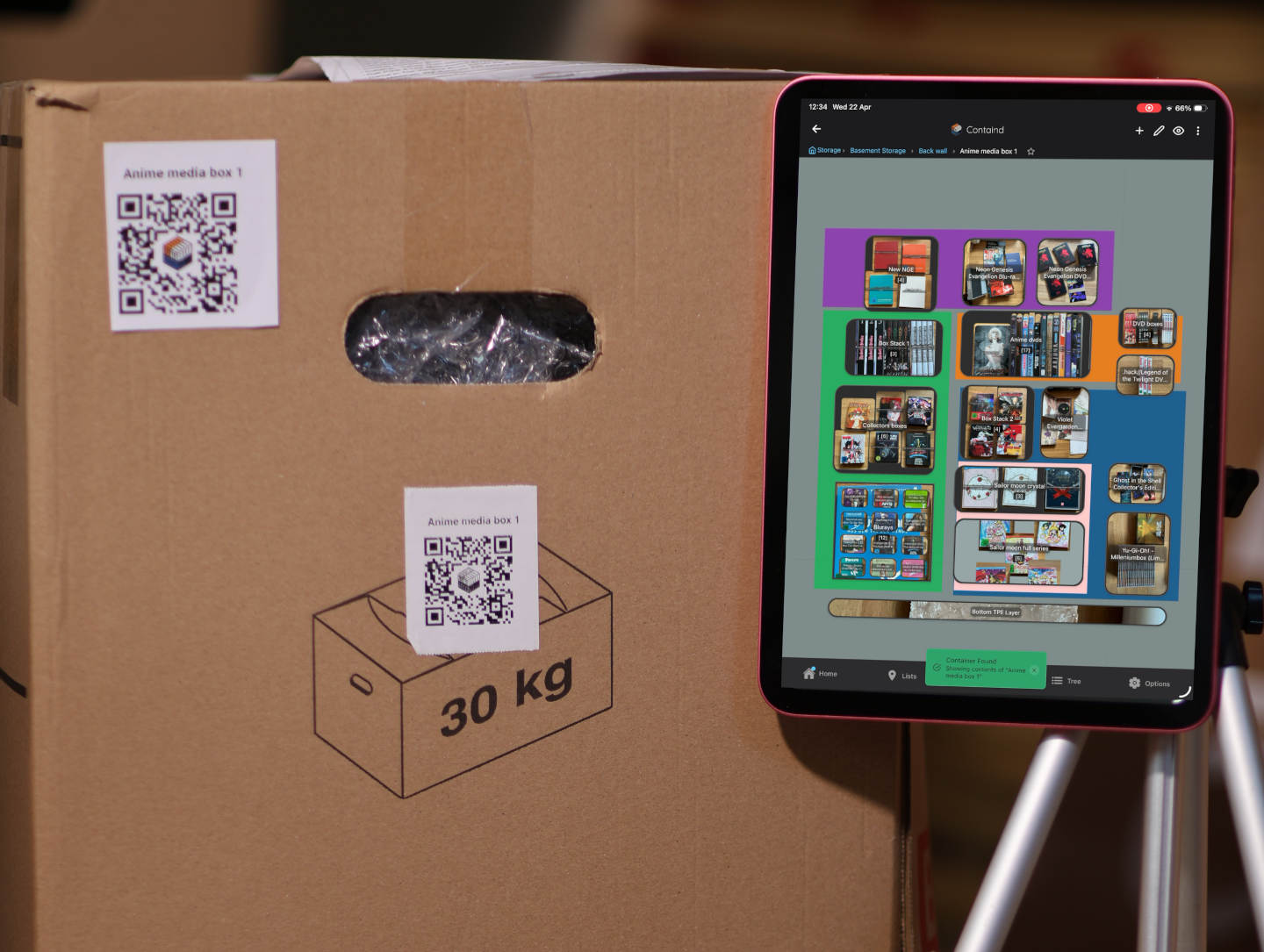
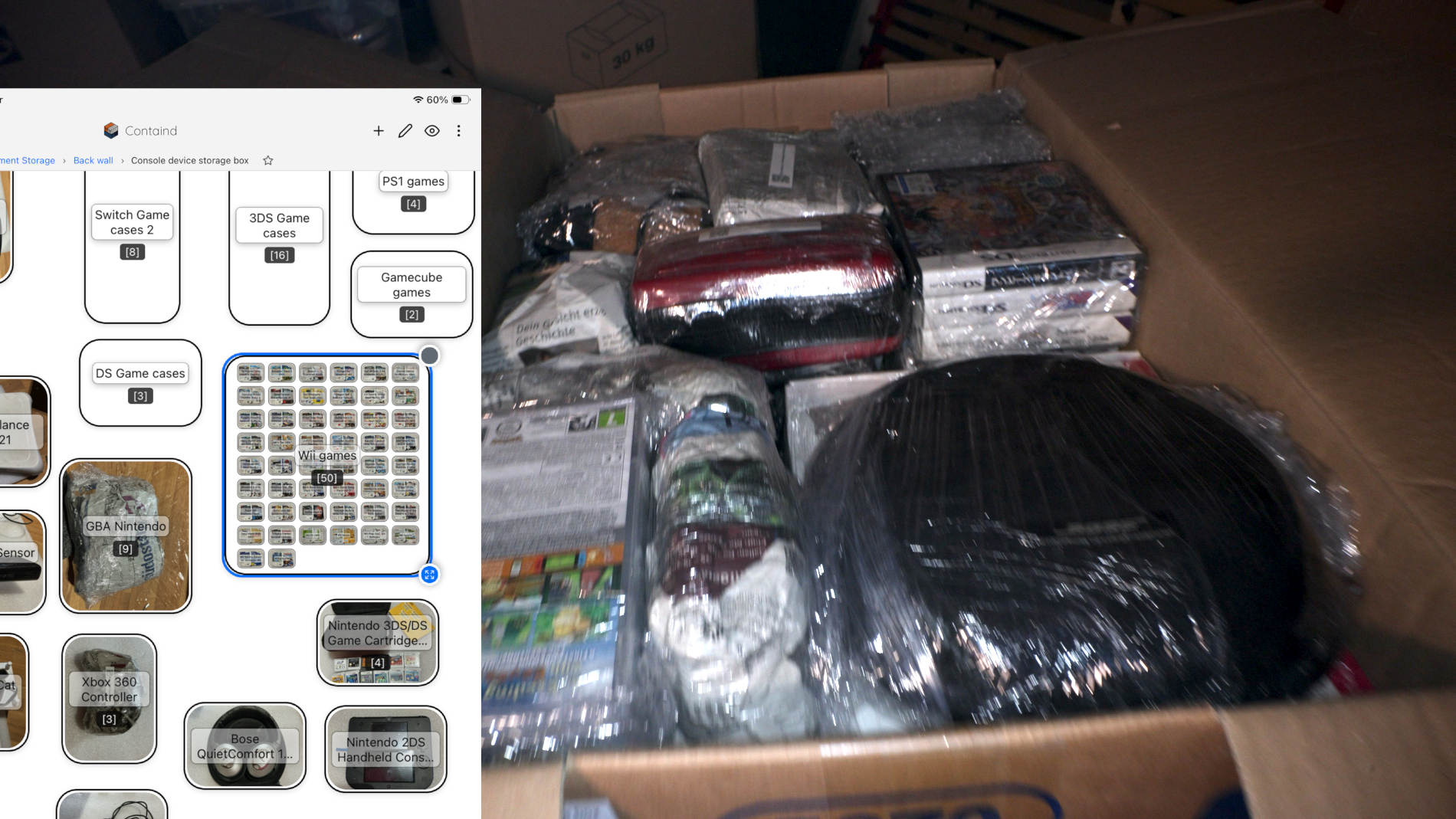
A box packed full of DVDs, Blu-rays, and collector's editions. You know it is in there somewhere — scanning the label tells you exactly where.
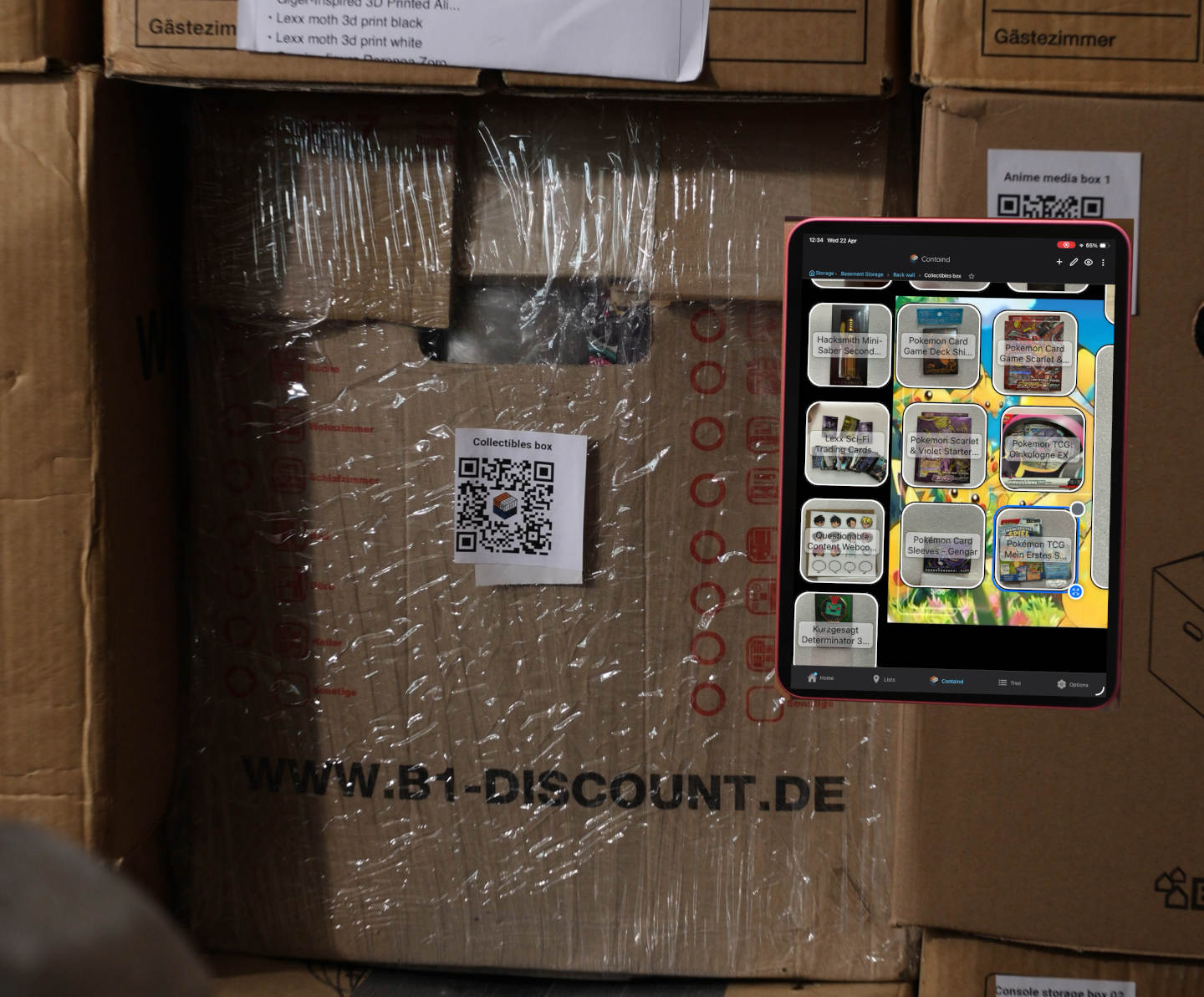
Useful when the contents matter, the box is handled carefully, and you want less uncertainty before opening it.
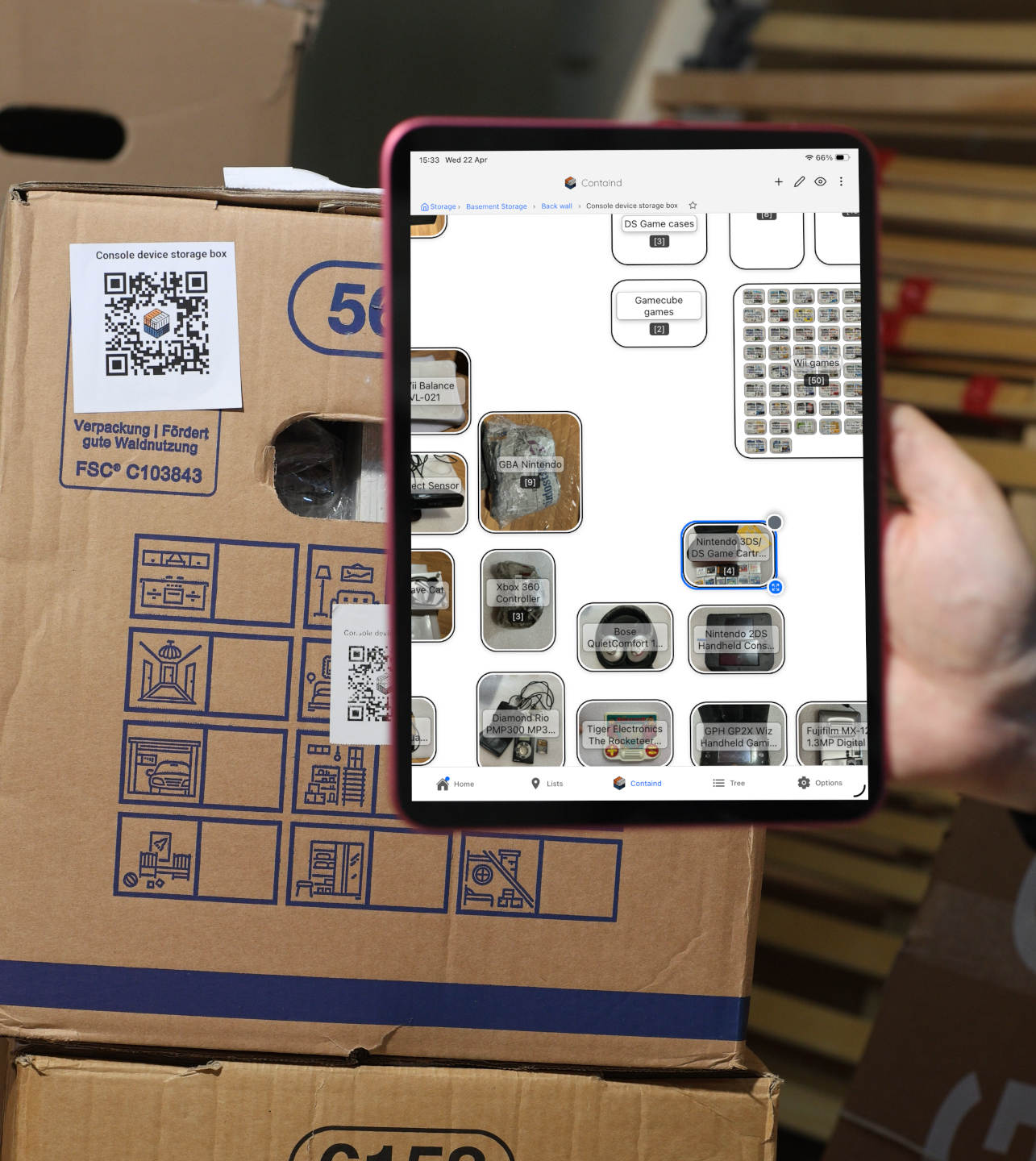
Good for when you need one specific cable or adapter, especially when small accessories disappear into bags inside the box.
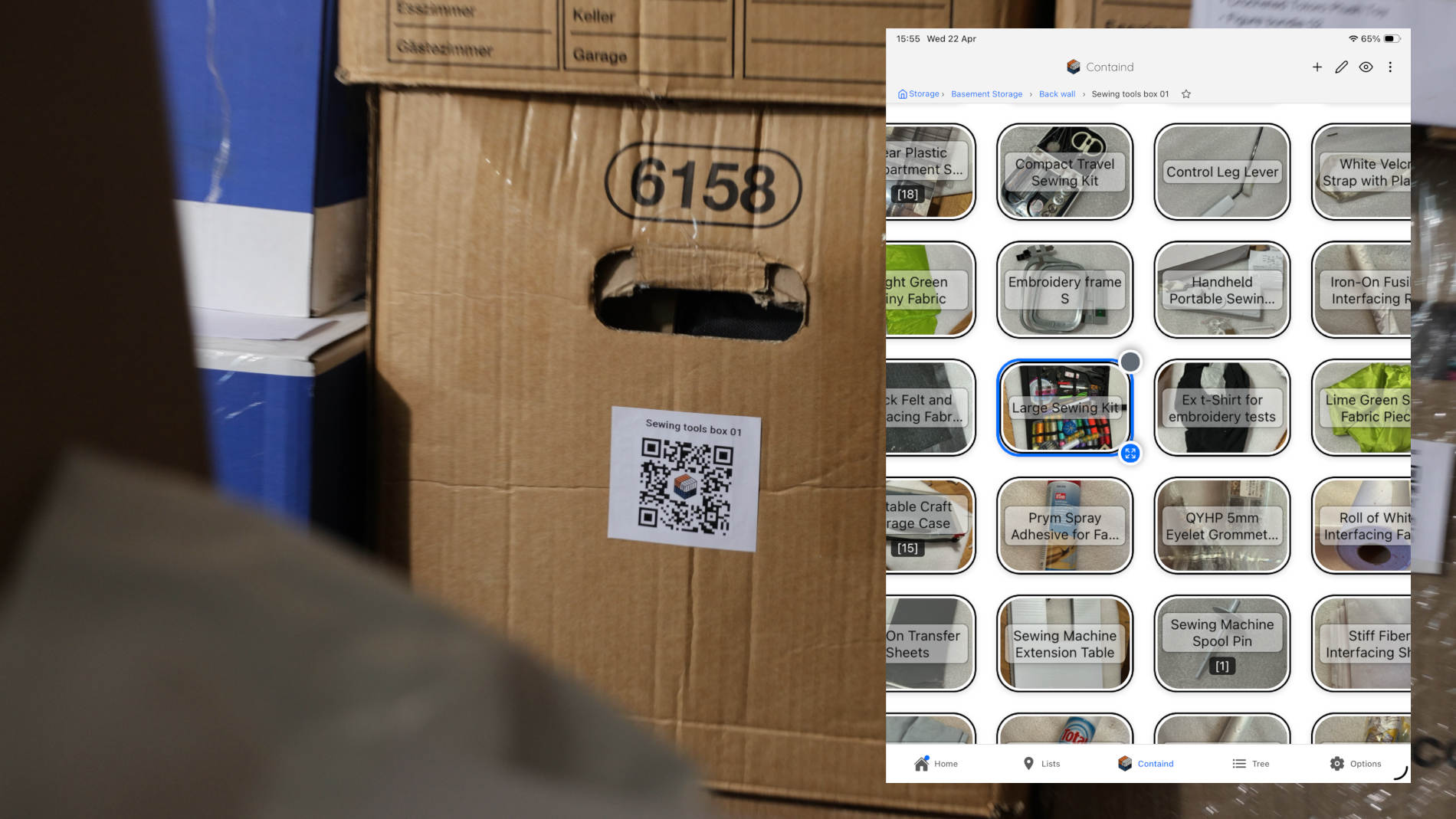
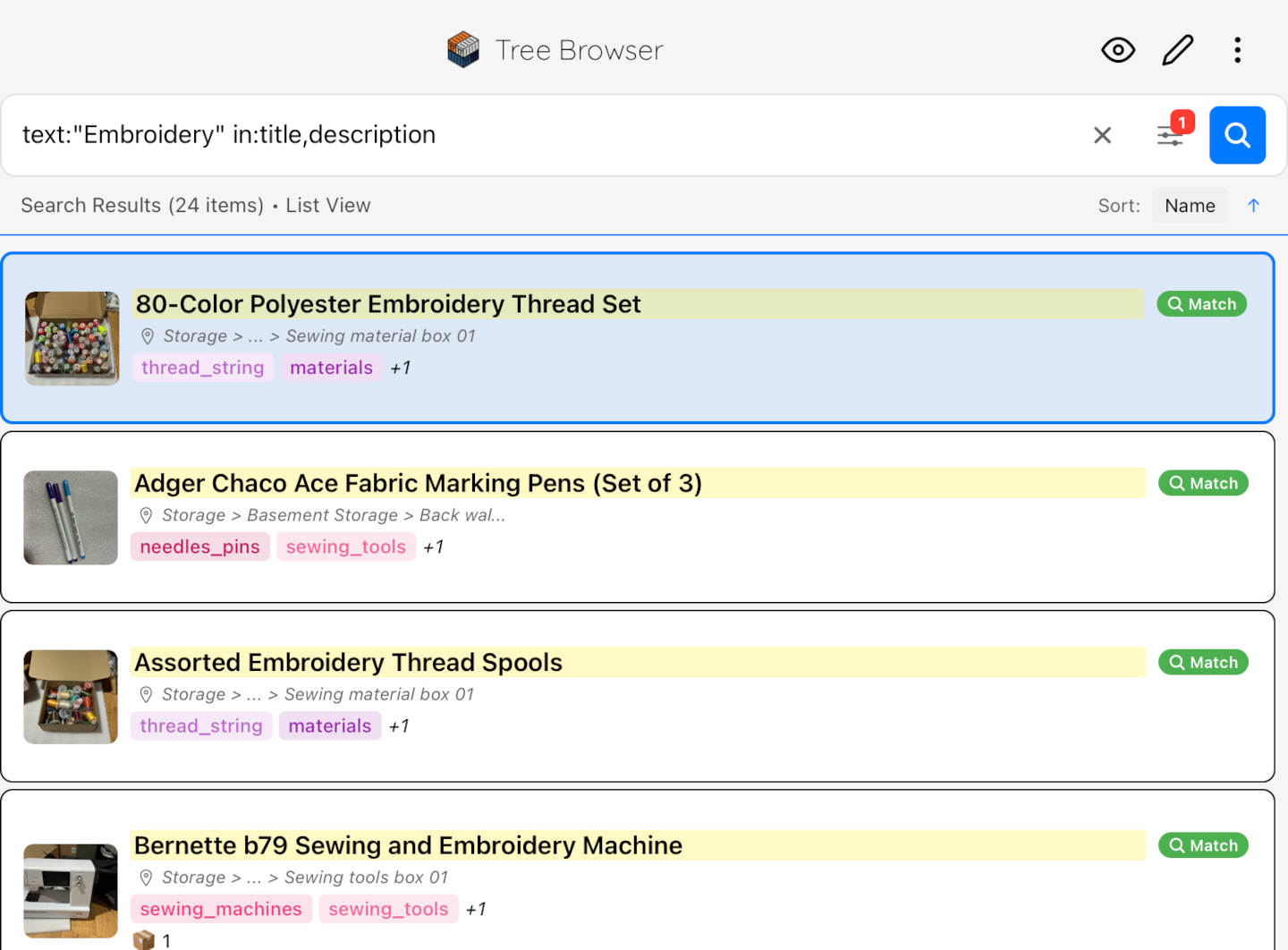
Useful when needles, presser feet, clips, measuring tools, and small sewing accessories are all packed together and hard to find at a glance.
Why visual inventory works better
A handwritten note can tell you that cables are in a box. A visual inventory can show you the cable pouch, the spare controller, the adapter bag, and which item sits inside which.
You do not have to decode your own shorthand months later. You can recognize a layout or photo faster than a vague word.
When one item sits inside another, you can still see that. A label on the outside cannot show you that.
Once the box is inventoried, you can use Containd's built-in search to look up the item first and then open the right box instead of guessing which one to pull down.
If you do not remember which box something is in, the search function gives you a faster starting point than reading labels one by one.
"I know it is in the basement" is not the same as "I can get to it in two minutes."
Where this works best
This method is built for basement boxes, moving boxes, stacked bins, and other closed storage where the real problem is that you cannot see what is in there without opening it.
Why this fits real home use
You can browse your inventory on your phone without depending on cloud sync for the basic storage setup.
The method does not require matching bins, labels made on a craft machine, or a fully styled room to be useful.
You can start with one box, then add more after the first time you find something fast and realize this actually works.