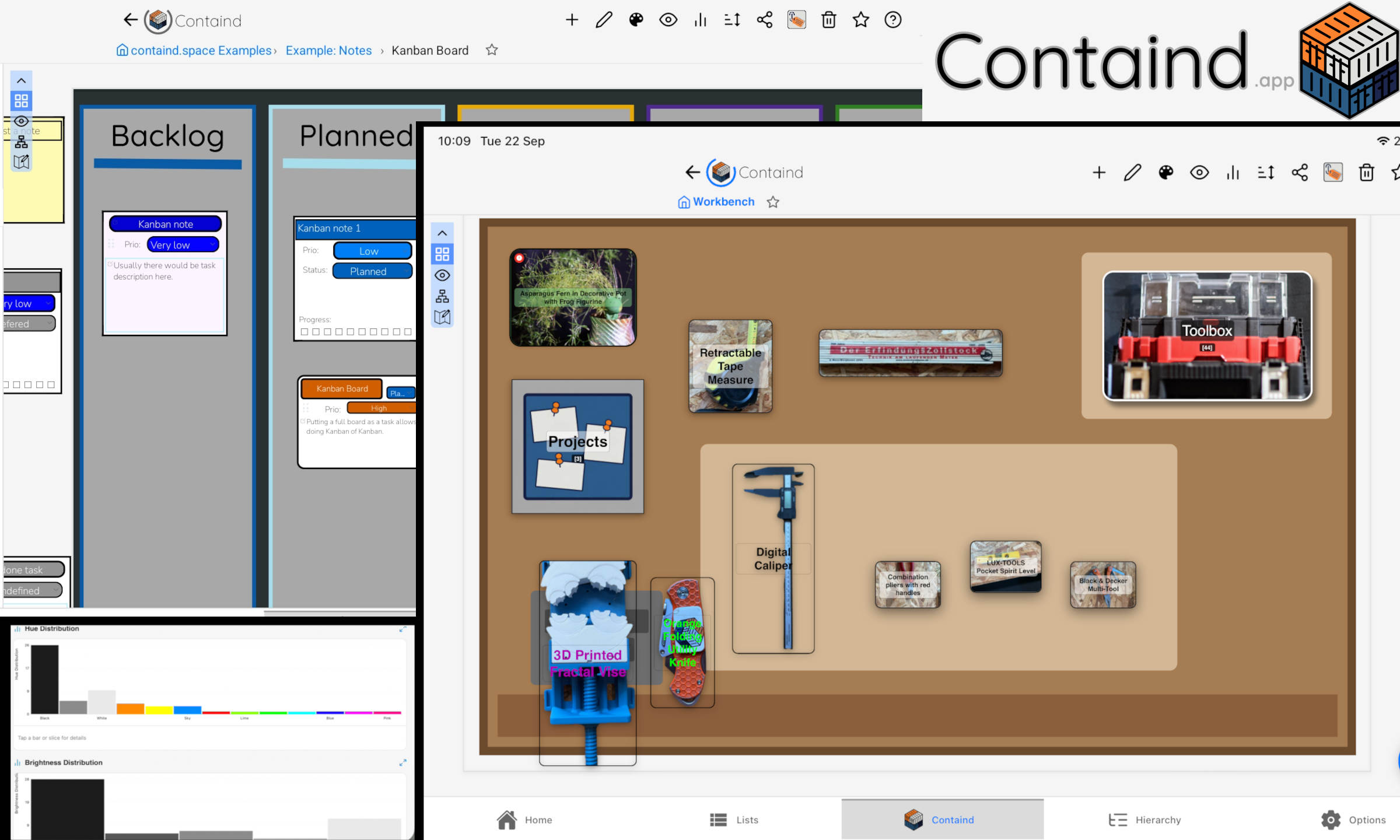
In sync
Your canvases follow you between phone, tablet, and browser.
 Containd
Organize everything, visually
Containd lays things out instead of stacking them into another scrolling list. Map a background, place items on nested canvases, and find them again later. Your canvases stay in sync on iPhone, Android, and the web, so you can share a list and work on it together.
Open the web app Browse templates


iPhone, iPad, Android, and the browser. Same lists, in sync.
One list, every device
The canvas you build on your phone is the same canvas on a tablet and at app.containd.app. What you change on one device shows up on the others.
Your canvases follow you between phone, tablet, and browser.
Send someone a list instead of describing what is in the box.
More than one person can work on the same canvas.
Look what it can do
These are published Spaces from Containd—live examples you can explore right here. Pan and open items, then get the app to build your own and publish it the same way.
Boxes and shelves you can look into, instead of guessing from a list of names.
Sticky notes and boards on a canvas, not another scrolling notes app.
Ideas laid out spatially so related things sit next to each other.
A plain checklist on a canvas: quick to set up, easy to scan.
Start from a template
Templates turn the same visual-list idea into layouts built for specific jobs: storage, notes, planning, collections, and more. Each one gives you optimized visuals and a more interactive starting point than a blank list.
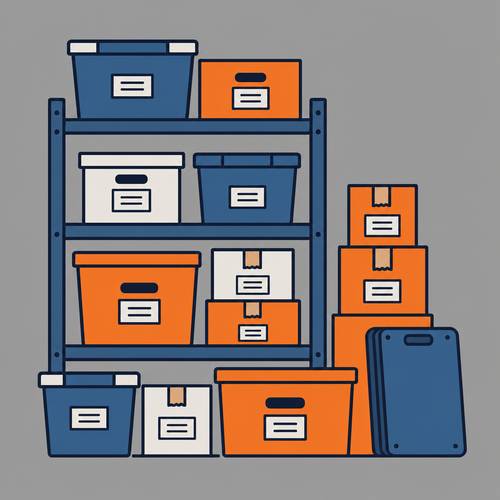
Visual containers for boxes, shelves, and rooms.

Sticky notes and kanban boards you can place anywhere.
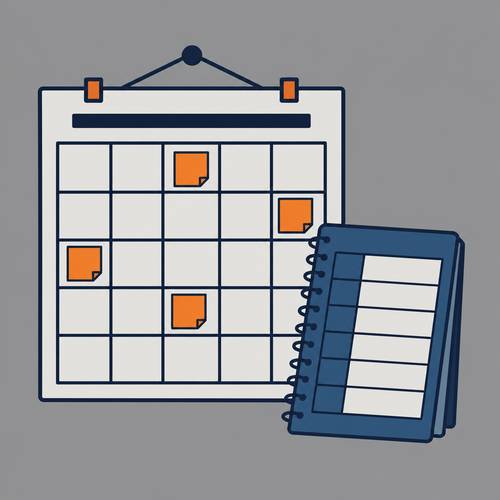
A starter layout for plans that should stay visible, not buried.
How you build your own
The same workflow works for a basement of boxes, a plant shelf, or a board of notes: capture items, place them on the canvas, nest them, then search later.
Take or select photos while you sort. Items keep the pictures attached.
Drag items into boxes, drawers, or other canvases the way they sit in the room.
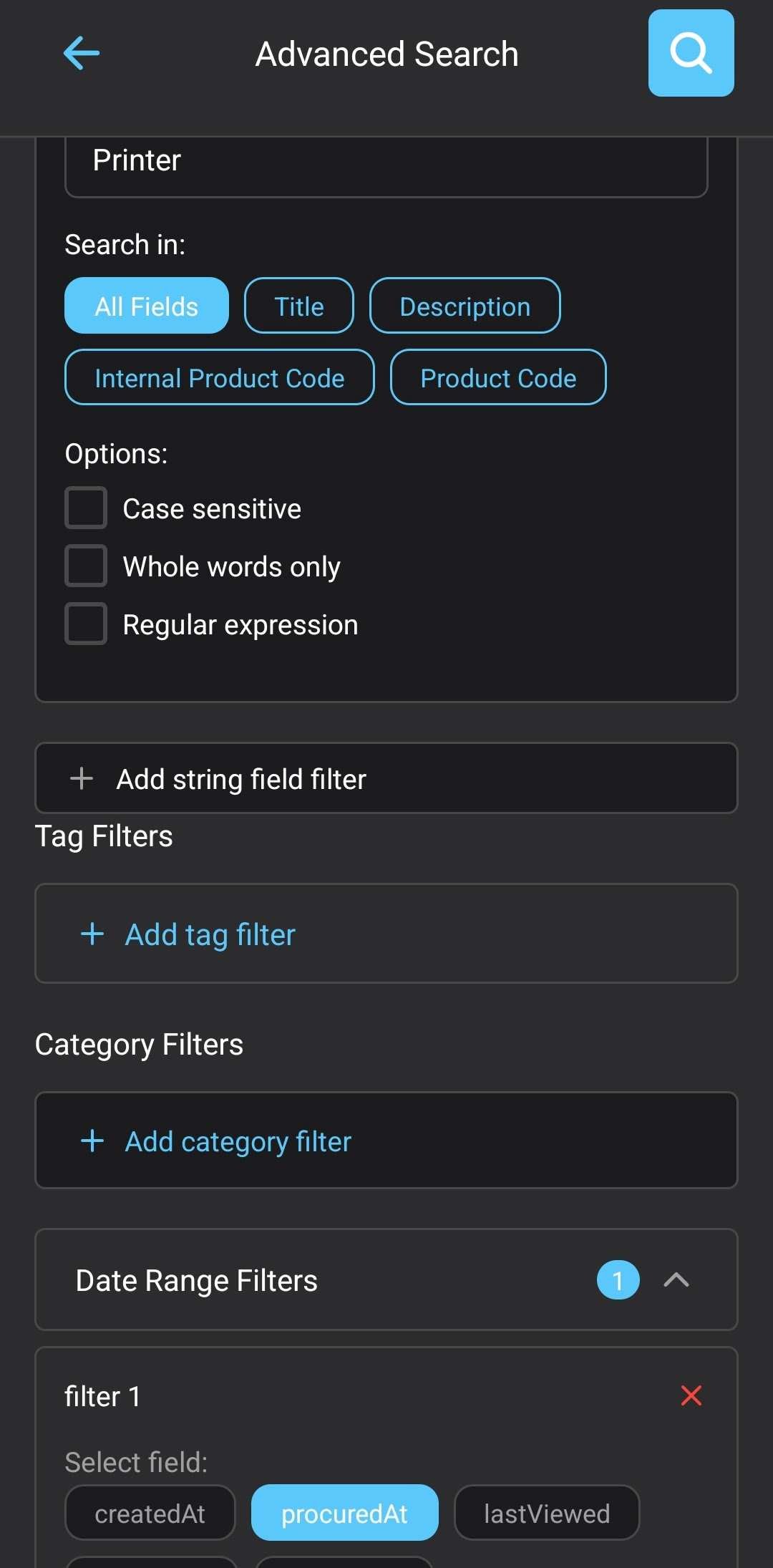
Search by name or jump to the item on the canvas, even offline.
Use it your way
Core browsing, search, and canvases stay on your device. Cloud sync, AI help, and the web app at app.containd.app are opt-in. No subscription is required for core use. Tokens cover connected features when you choose them.
No subscription required
Local backup and restore
Pay for tokens only when needed
Guides
Map rooms, grouped containers, and inventory context on a floor plan.
Stacked basement boxes, QR labels, and reopening the right box fast.
Visual organization ideas beyond a single labeled box.
Get Containd
Download free on iOS and Android, or start right in your browser. Pick a template or map your first list in minutes.
Download Containd on Google Play · Download Containd on the App Store · Open the web app
Containd is part of the Next Level Order app ecosystem for home and work.
Learn more about our apps