Find things with less guesswork
Open the mapped area, then the right container, instead of scanning a long list and guessing what is nearby.
Home inventory mapping for real rooms and real storage
Containd is a home inventory app for boxes, shelves, drawers, and collections. Instead of relying only on long lists, you can place containers and items on a visual canvas that matches your real space.
If photo based list entries still feel disconnected from where things actually live, floor plan mapping closes that gap. You see your space, your grouped containers, and your items in one view.
Fast-forward demo: map a room and place inventory on top.
Why this is different from list-only inventory
Lists are useful for search, but they often miss physical context. Mapping helps you understand storage at a glance: room zones, grouped containers, and item placement.
Open the mapped area, then the right container, instead of scanning a long list and guessing what is nearby.
Office supplies, hobby kits, spare parts, or seasonal items stay grouped visually so retrieval is faster later.
As your storage changes, the visual map stays easier to browse than renamed labels and scattered list entries.
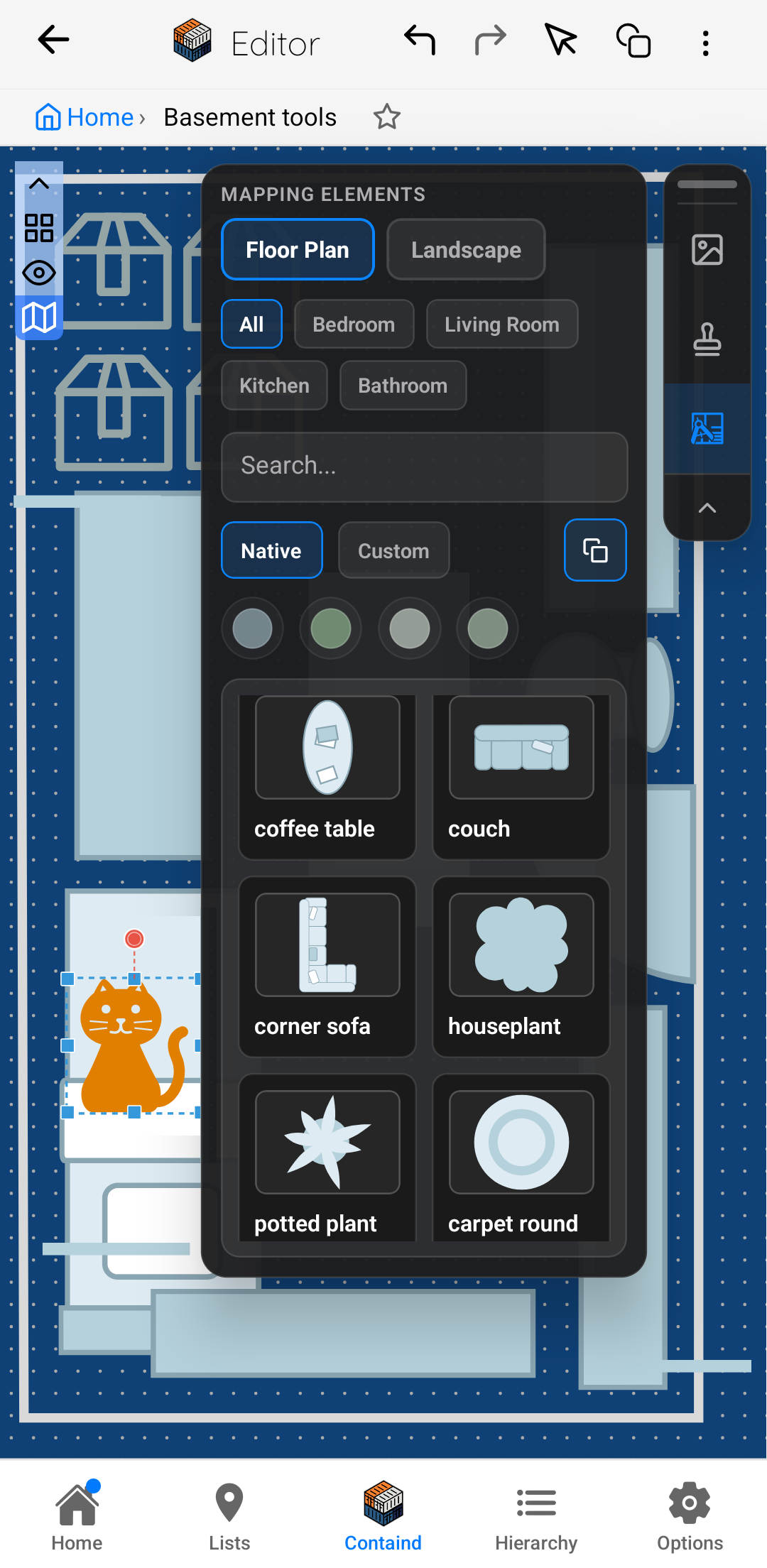
Map mode on phone: floor plan context plus inventory controls.
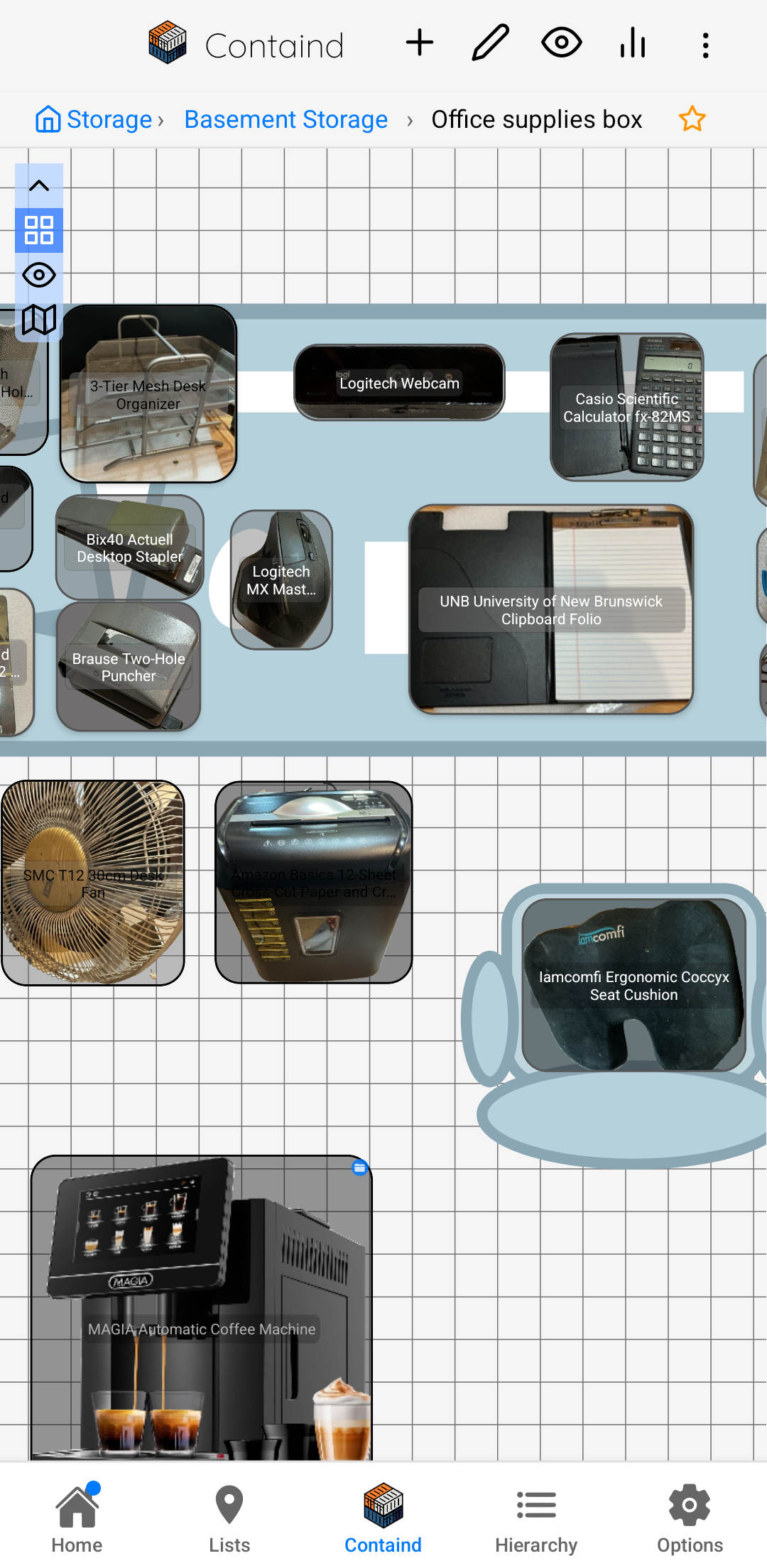
Mapped office supplies on a desk area for quick recognition.
How the mapping workflow works
Create a simple map for the room, shelf area, or storage zone so your inventory has a clear visual context.
Add boxes, drawers, or shelves in the mapped area to mirror the real layout you walk through at home.
Create items from photos and place them into the mapped containers so you can browse and retrieve faster.
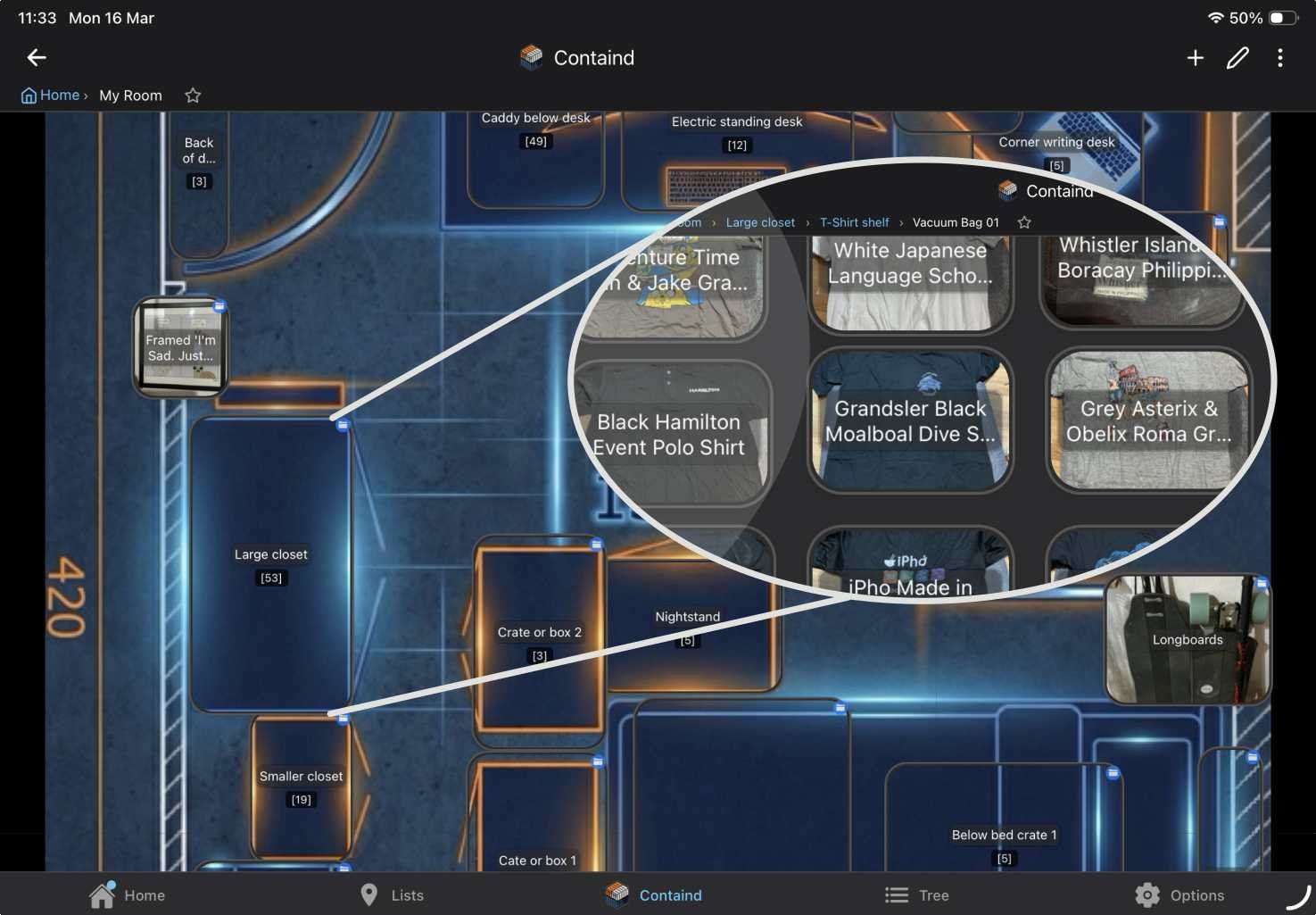
Example: floor plan background with containers and inventory placed in context.
One canvas, different tasks
In day-to-day use, you can switch between creating and moving inventory, browsing without accidental edits, and refining your map background. This keeps setup and retrieval in one place instead of splitting your workflow across different tools.
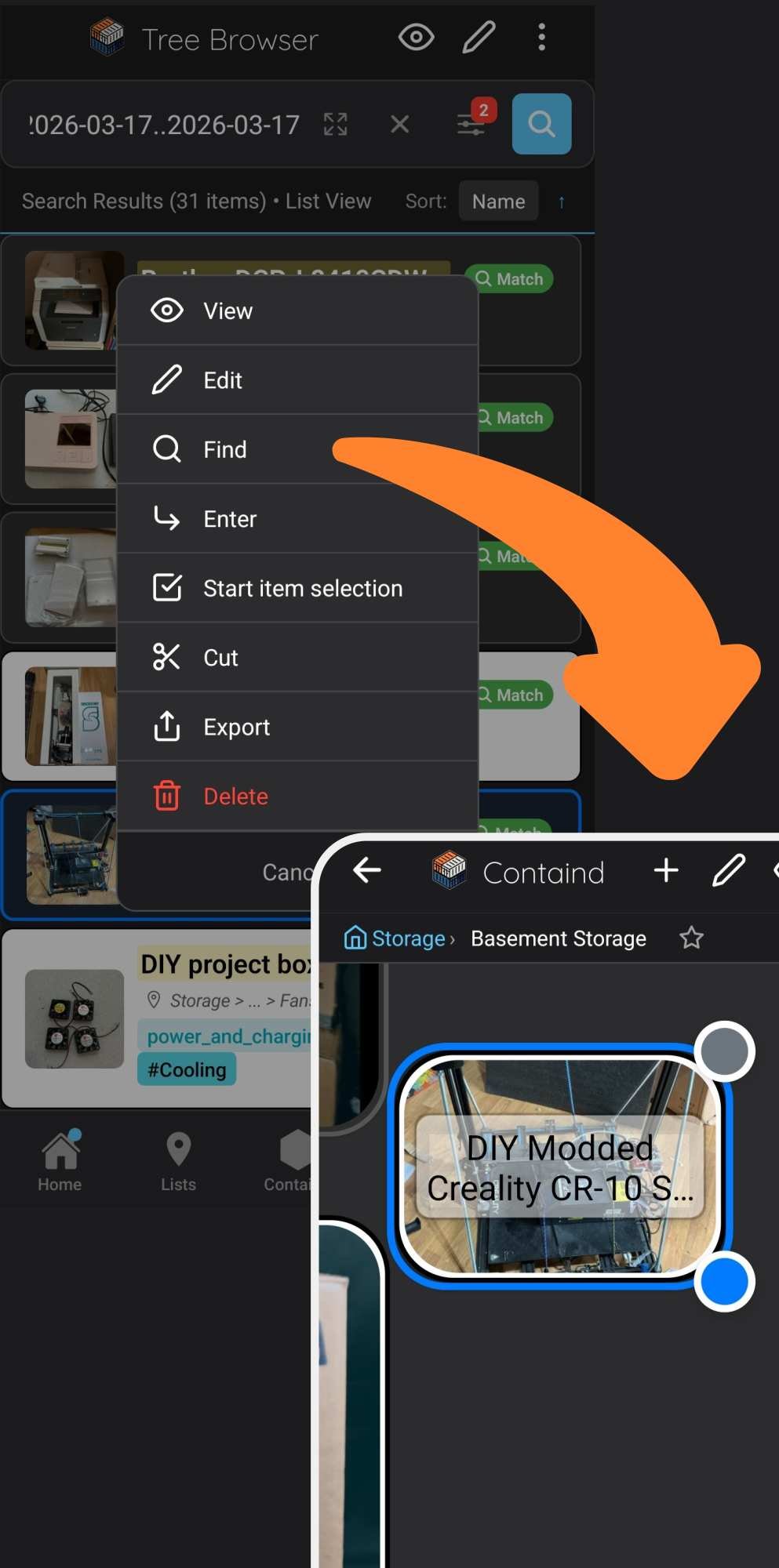
Browse mapped inventory and open the right container in context.
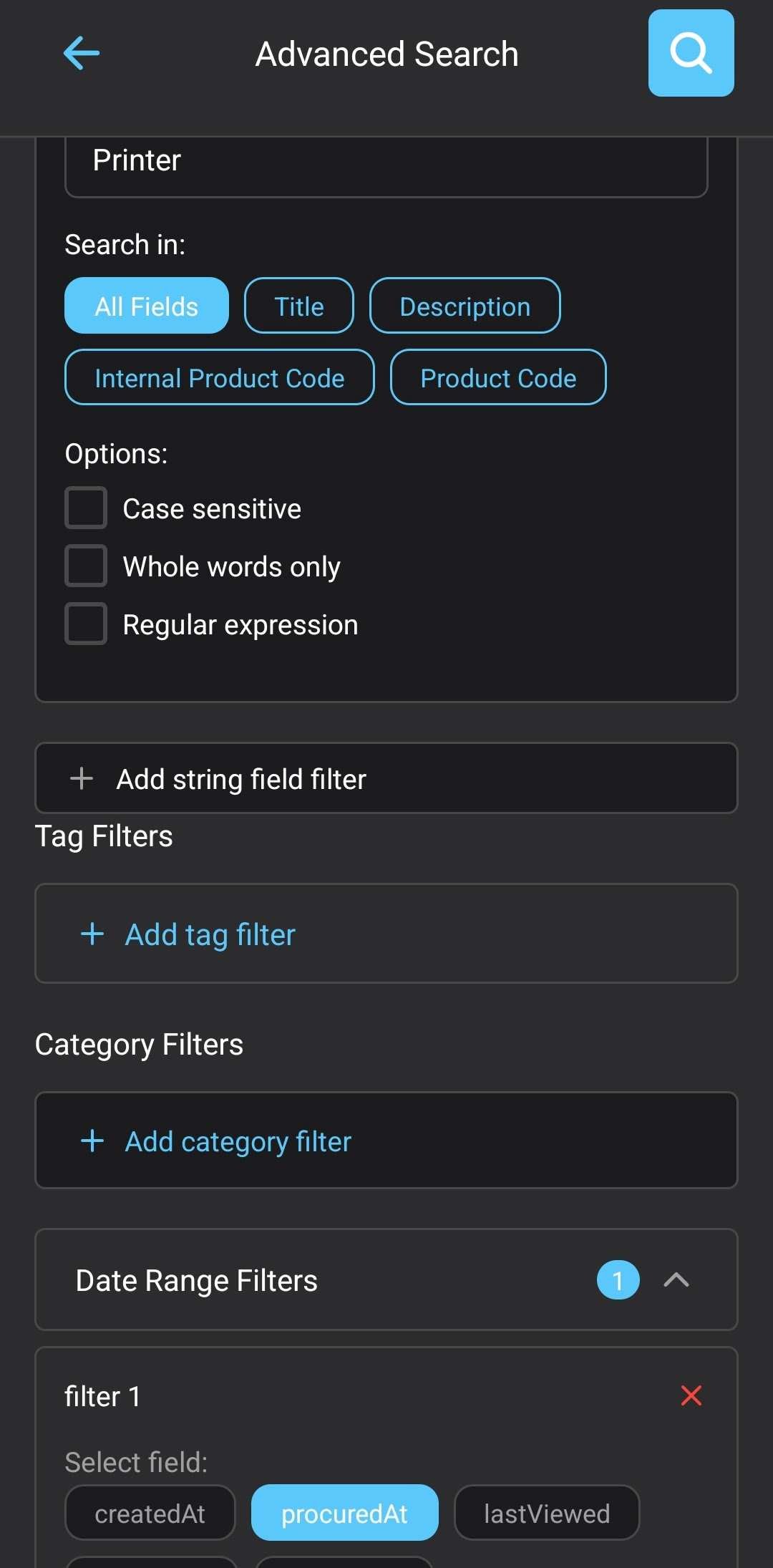
Use search when you know the name, use the map when you need context.
Optional shortcut
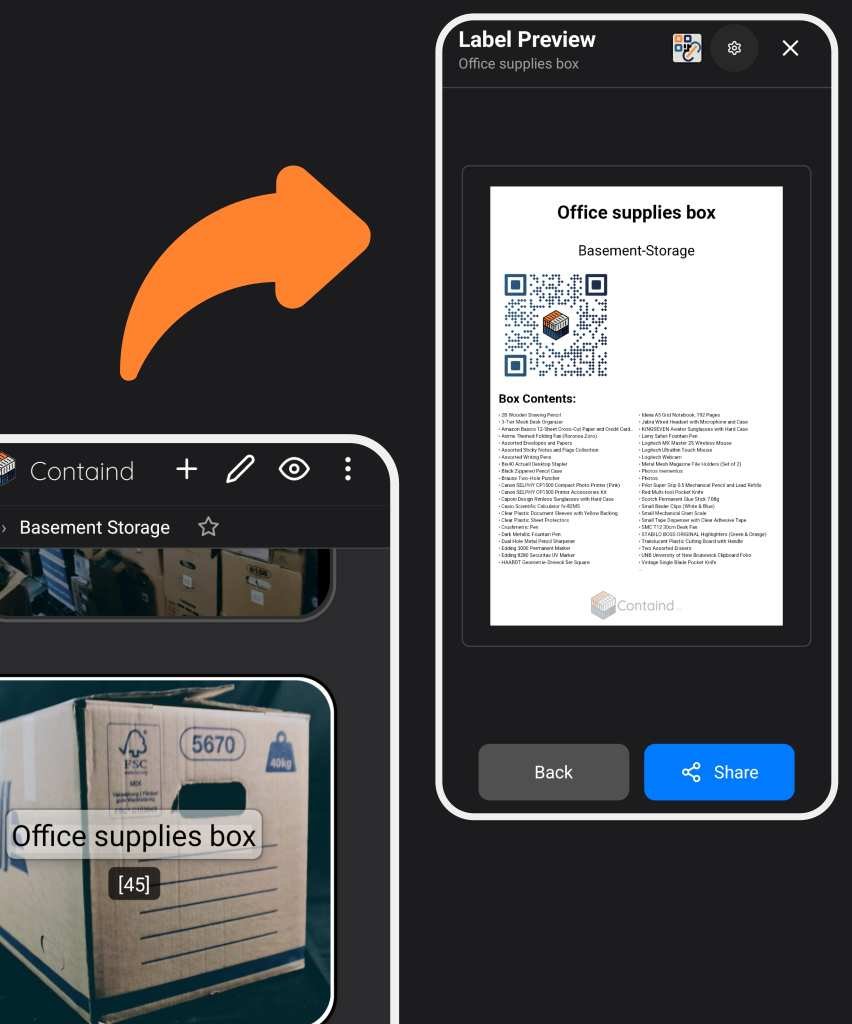
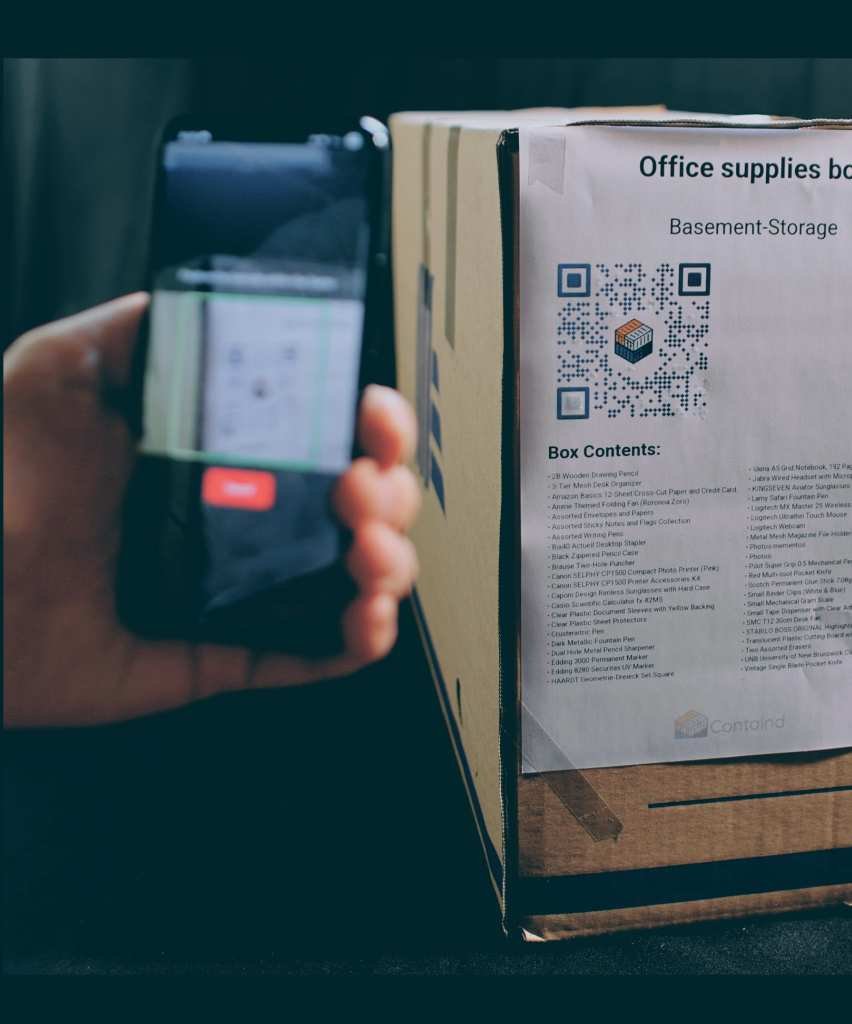
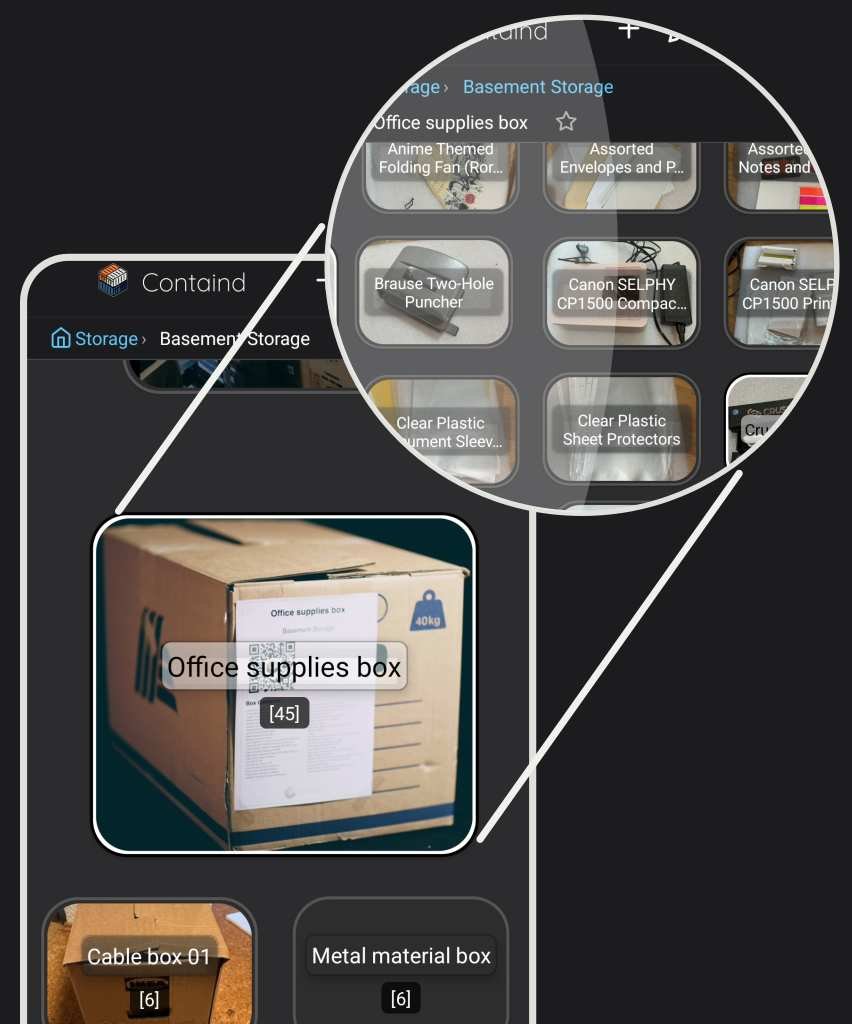
Mapping is the core value. QR labels are the shortcut: scan a box and jump straight to its mapped view.
Start small
Containd is a home inventory app for iOS and Android. Core offline use is free, and no subscription is required for basic inventory workflows.